
Creating a comfortable and productive home office is essential for anyone working remotely or running a business from home. A well-designed workspace can improve focus, reduce stress, and help maintain a healthy work-life balance. Whether you have a dedicated room or a small corner to work with, these tips will help you make the most of your home office.
Choose the Right Location
Find a Quiet Spot
Select a space that is quiet and away from distractions like the TV or high-traffic areas. A peaceful environment helps maintain concentration during work hours.
Consider Natural Light
If possible, set up your office near a window. Natural light enhances mood and energy levels, which can boost productivity. Use light curtains to reduce glare on screens without losing brightness.
Space and Layout
Ensure your space has enough room for your desk, chair, and office equipment. Avoid overcrowding by keeping only essential items in your workspace. A clutter-free environment promotes focus and efficiency.
Invest in Ergonomic Furniture
Choose a Comfortable Chair
An ergonomic office chair supports your back and encourages good posture, reducing the risk of discomfort or injury. Adjustable features allow you to customize the chair to your needs.
Desk Height and Setup
Your desk should be at a height where your forearms are parallel to the floor while typing. This position minimizes strain on your shoulders and wrists. Consider standing desks or adjustable desks if you want the flexibility to alternate between sitting and standing.
Monitor Placement
Place your computer screen at eye level, about an arm’s length away. This reduces neck strain and helps avoid eye fatigue during long work sessions.
Organize Your Workspace
Use Storage Solutions
Keep your office tidy with shelves, drawers, or filing cabinets. Organized storage helps you find documents and supplies quickly, reducing interruptions.
Limit Clutter
Only keep necessary items on your desk. Avoid stacking papers or leaving random objects nearby. A clean desk fosters a clear mind.
Cable Management
Use cable clips or sleeves to manage wires and prevent tangles. This not only looks neat but also reduces tripping hazards and wear on cables.
Optimize Lighting
Layered Lighting
Use a combination of natural light, overhead lights, and task lighting to brighten your workspace. Adjustable desk lamps with warm bulbs reduce eye strain during evening hours.
Avoid Glare
Position your monitor to avoid reflecting windows or lights. If needed, use an anti-glare screen or reposition your light sources.
Personalize Your Space
Add Plants
Greenery can improve air quality and add a touch of nature to your office. Small, low-maintenance plants like succulents or spider plants are great choices.
Motivational Items
Incorporate items that inspire you, such as artwork, photos, or a vision board. Personal touches can make your workspace more inviting.
Choose Calming Colors
Soft, neutral colors or shades of blue and green can create a calming environment that helps focus and reduces stress.
Manage Noise Effectively
Use Headphones or White Noise
If noise is unavoidable, noise-cancelling headphones or a white noise machine can help block distractions. Playing soft background music may also improve concentration.
Soundproofing
Consider adding rugs, curtains, or acoustic panels to absorb sound, especially if your home has hard floors or echoing rooms.
Establish a Routine and Boundaries
Set Work Hours
Define clear start and end times for your workday. Consistent hours help you maintain a healthy work-life balance and make your day more predictable.
Create a "Work Only" Zone
Use your office space exclusively for work to mentally separate personal time from professional time. Avoid doing non-work activities in your workspace.
Take Breaks
Schedule regular short breaks away from your desk to stretch, move around, and rest your eyes. Breaks boost productivity and prevent burnout.
Keep Technology and Connectivity in Check
Reliable Internet Connection
Ensure your workspace has strong and stable internet, especially for video calls or online collaboration. Consider upgrading your router or using a wired connection if needed.
Tech Setup
Organize monitors, printers, and other devices for easy access. Regularly update software and backup files to prevent disruptions.
Reduce Screen Time Fatigue
Use blue light filters or screen protectors and adjust your screen brightness. Follow the 20-20-20 rule: every 20 minutes, look 20 feet away for 20 seconds to reduce eye strain.
—
By thoughtfully setting up your home office, you can create a space that supports both comfort and productivity. This encourages focus and efficiency, making your work-from-home experience more pleasant and effective. Start with the basics and gradually adjust your space to fit your needs and preferences. A cozy, well-organized office is an investment in your daily work and well-being.
Related Posts
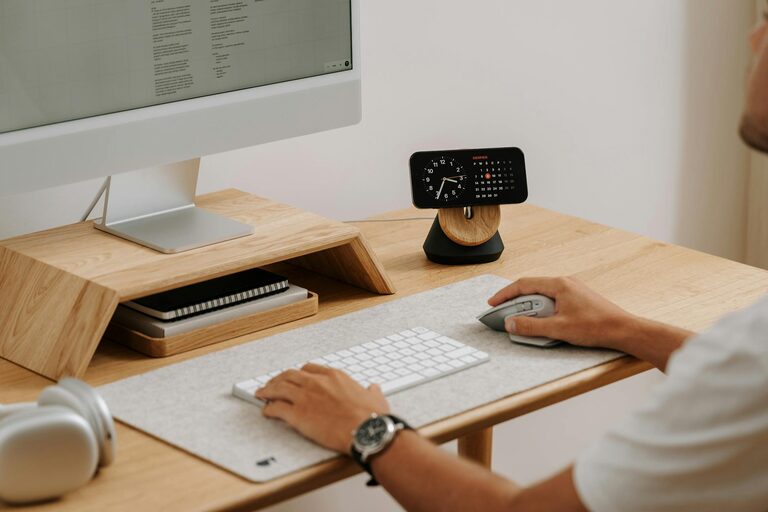
Tips for Creating a Cozy and Productive Home Office Space
Creating a home office that balances comfort and productivity is…
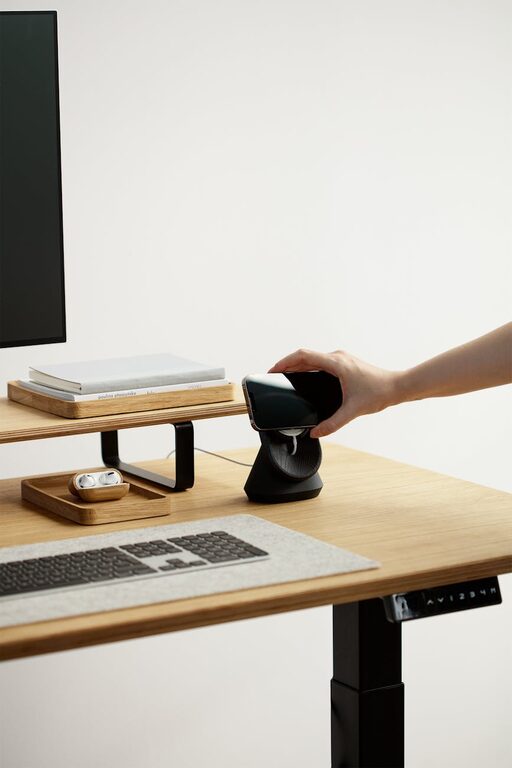
Tips for Creating a Cozy and Productive Home Office Space
Creating a home office that is both cozy and productive…
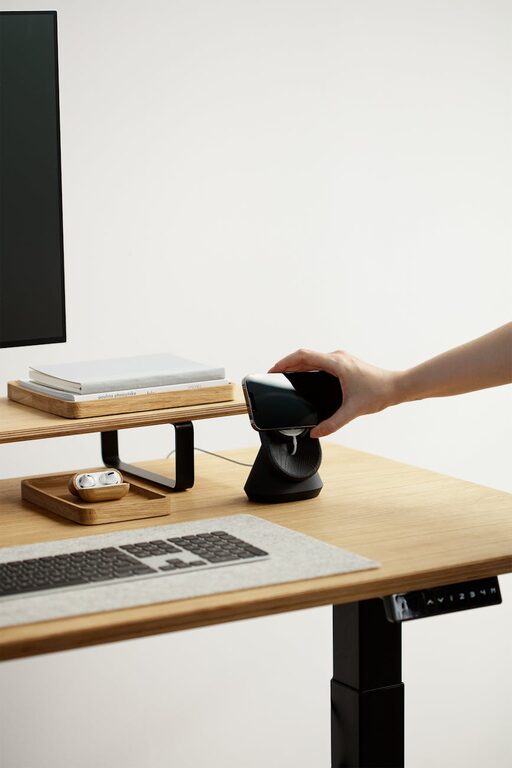
How to Create a Cozy and Productive Home Office Environment
Creating a home office that feels both cozy and productive…