
Creating a comfortable and productive home workspace is essential for anyone working remotely or spending significant time on tasks at home. A well-designed workspace can help increase focus, reduce stress, and support healthy work habits. Whether you have a dedicated room or just a small corner, these tips will guide you in setting up an environment where you can work efficiently and comfortably.
Choose the Right Location
Find a Quiet and Private Spot
Select an area in your home that minimizes distractions and interruptions. Ideally, this space should be away from noisy zones like the kitchen or living room where family members or roommates frequently gather.
Consider Natural Light
Position your workspace near a window if possible. Natural light boosts mood and energy, reducing eye strain during long hours of work. If natural light isn’t available, invest in good-quality lighting that mimics daylight.
Invest in Comfortable and Ergonomic Furniture
Select an Ergonomic Chair
A supportive chair with adjustable height and lumbar support helps maintain good posture. Avoid sitting in couches or soft chairs for extended periods, as they can lead to discomfort and back pain.
Use an Appropriate Desk
Choose a desk that fits your space and allows you to spread out your work materials. Standing desks or adjustable desk converters can also be a great option to alternate between sitting and standing.
Consider Accessories
Ergonomic accessories such as keyboard trays, monitor stands, and footrests can make a difference in comfort and posture.
Keep Your Workspace Organized
Declutter Regularly
A tidy workspace reduces stress and helps maintain focus. Make it a habit to clear your desk at the end of each day.
Use Storage Solutions
Incorporate shelves, drawers, and organizers to keep papers, supplies, and devices neatly stored but easily accessible.
Manage Cables
Use cable organizers or clips to prevent cords from tangling and cluttering your desk area.
Personalize Your Space
Add Plants or Greenery
Plants can improve air quality and add a touch of nature, which promotes relaxation and creativity.
Decorate Thoughtfully
Incorporate items that inspire you, such as artwork or motivational quotes, but avoid overdecorating to maintain a clutter-free environment.
Use Color Psychology
Choose colors that enhance productivity and calmness. Soft blues, greens, and neutrals are great choices for work areas.
Optimize Technology Setup
Invest in Quality Equipment
Use a reliable computer, headset, and high-speed internet connection to ensure smooth workflow and communication.
Arrange Your Devices Ergonomically
Place your monitor at eye level and keep frequently used devices within easy reach to reduce strain.
Minimize Distractions
Turn off non-essential notifications and consider using apps that block distracting websites during work hours.
Establish Good Lighting
Layer Your Lighting
Combine ambient lighting with task lighting such as desk lamps to create a well-lit environment.
Avoid Glare
Position your screen to avoid reflections from windows or overhead lights that can cause eye strain.
Set Boundaries and Routine
Create a Schedule
Define your work hours to help separate professional time from personal life and maintain productivity.
Take Regular Breaks
Incorporate short breaks to stretch, rest your eyes, and move around to avoid fatigue.
Communicate with Household Members
Let those you live with know your work schedule and the importance of minimizing interruptions.
Mind Your Health
Practice Good Posture
Be mindful of your sitting position. Keep your feet flat on the floor, shoulders relaxed, and back supported.
Stay Hydrated and Nourished
Keep water nearby and eat balanced meals to sustain energy throughout the day.
Incorporate Movement
Try simple stretches or exercises during breaks to reduce stiffness and boost circulation.
—
Creating a home workspace that balances comfort and productivity takes some planning but is well worth the effort. By following these tips, you’ll be able to work effectively from home while supporting your physical and mental well-being. Remember, your workspace should be a place where focus meets comfort, enabling you to do your best work every day.
Related Posts
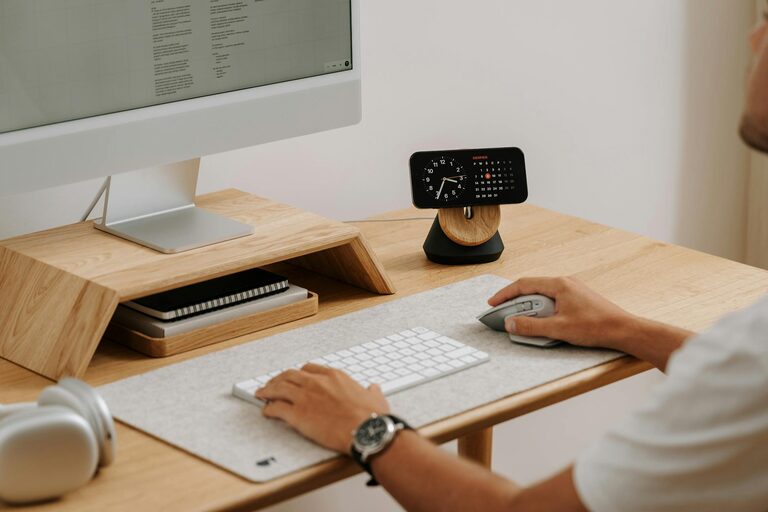
Tips for Creating a Cozy and Productive Home Office Space
Creating a home office that balances comfort and productivity is…
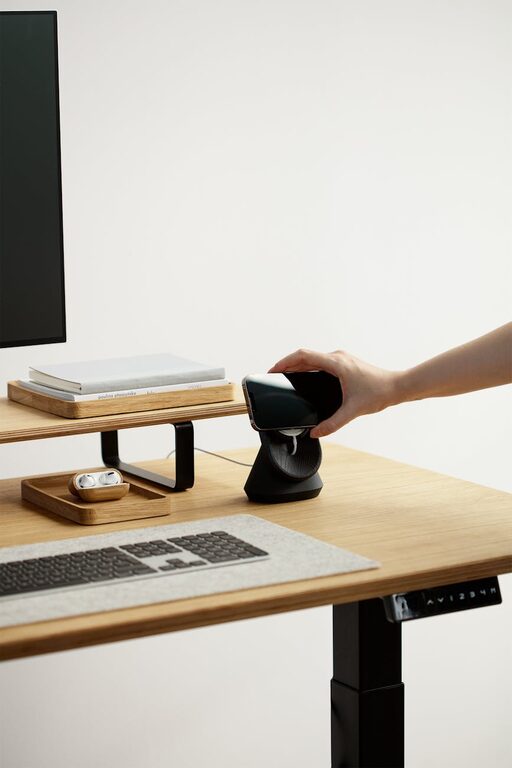
Tips for Creating a Cozy and Productive Home Office Space
Creating a home office that is both cozy and productive…
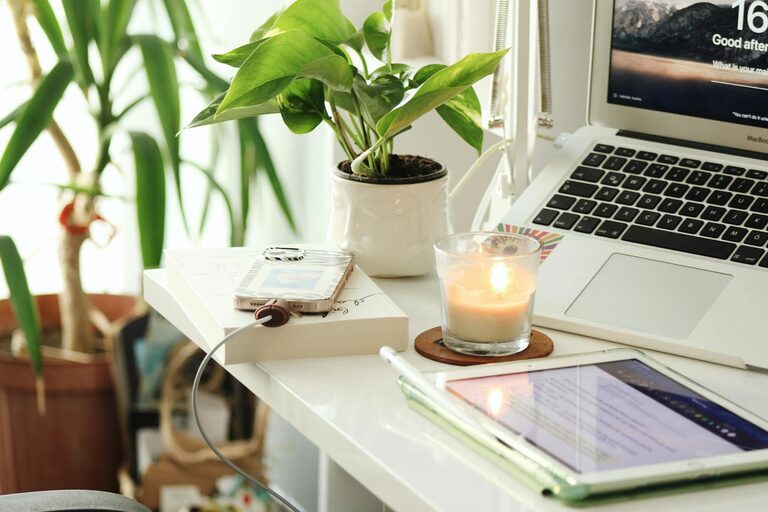
Tips for Creating a Relaxing Home Office Environment to Boost Productivity
Working from home has become a common practice for many…